Notebook Examples
The following Jupyter notebooks accompany each JuSPICE module and demonstrate
end-to-end workflows. All notebooks are located in the notebooks/ directory
of the repository. Pick a category below for the full list of notebooks and
descriptions.
Notebook Parameters
Every example notebook below reads its parameters — image sizes,
augmentation ranges, model hyperparameters, training epochs, and so on —
from one shared file: notebooks/notebooks_parameters.yaml.
Edit values there to change how a notebook behaves without touching its code.
I/O and History Tracking
Load real microscopy formats, track provenance, and export reproducible history.
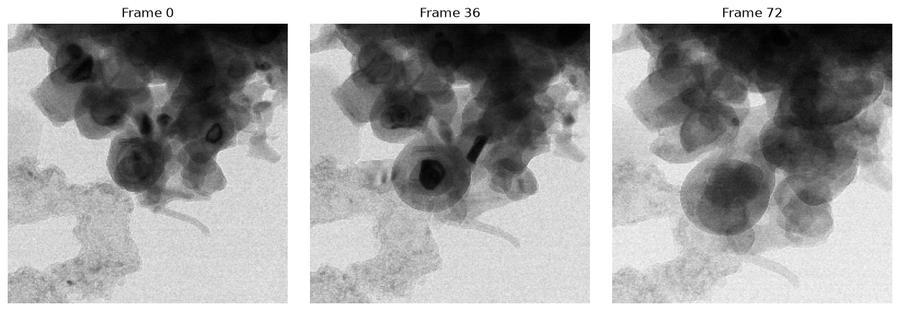
Image Preprocessing
Histogram equalisation, filtering, morphology, and binarisation pipelines.
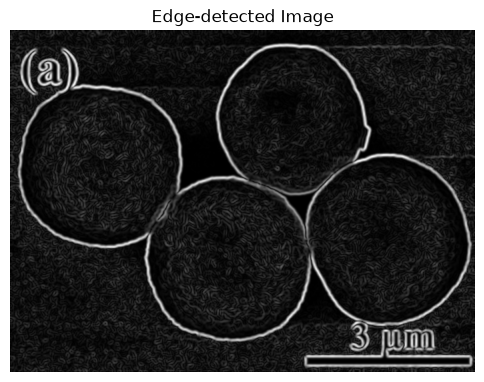
Synthetic Data Generation
Augmentation, physics-based, DCGAN, and Stable Diffusion image synthesis.
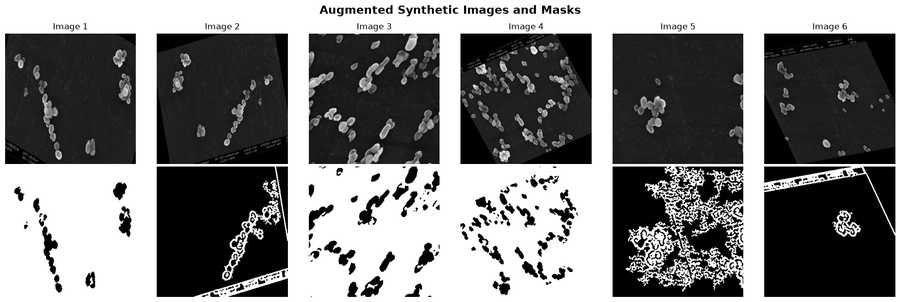
Segmentation and Tracking
U-Net, SAM, MicroNet segmentation, and Trackpy particle tracking.
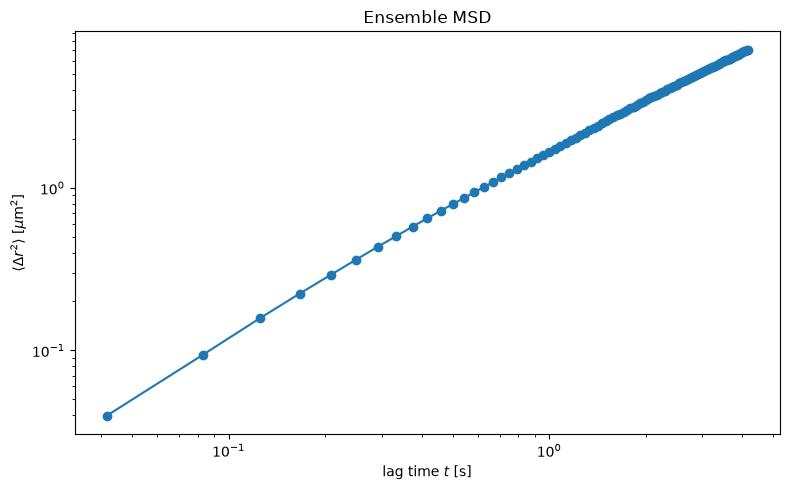
Clustering
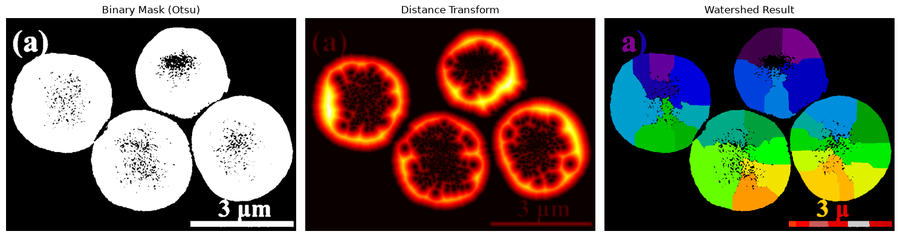
Watershed, SLIC, Felzenszwalb, Otsu, and Quickshift clustering algorithms.
Inpainting
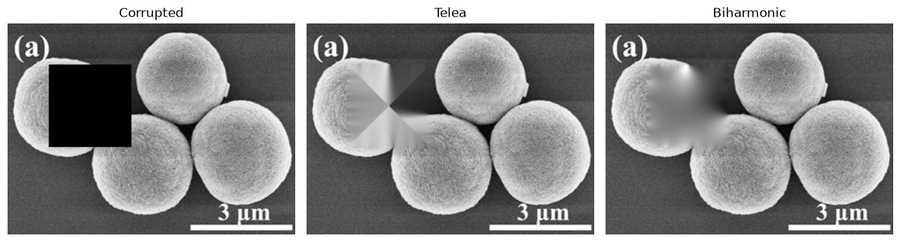
Telea, biharmonic, IOPaint, and Stable Diffusion region repair, compared side by side.
Feature Extraction
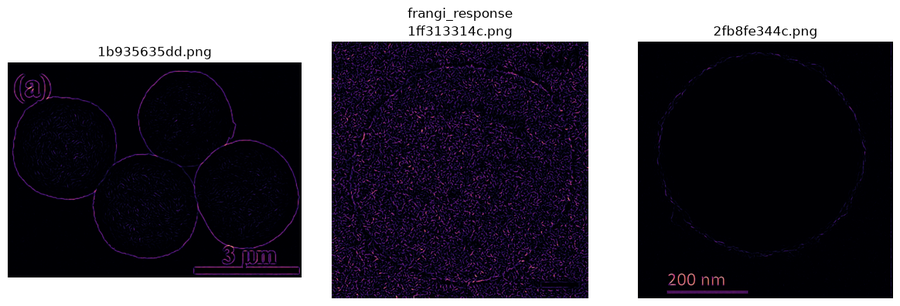
Gaussian, Sobel, Gabor, entropy, Frangi, and tensor-coherence feature maps.
Physics-Based Generation
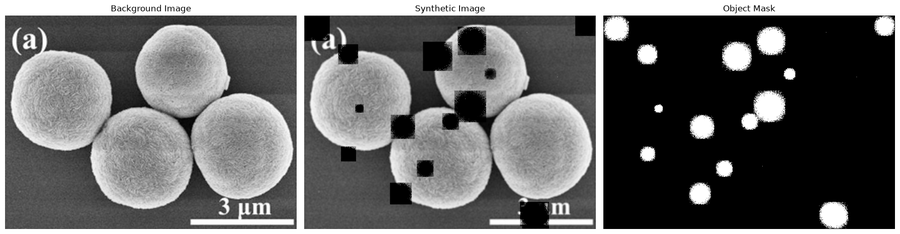
Composite physics-inspired particle blobs and crack structures into synthetic sequences.
See also
Sample Data — descriptions and attributions for all datasets used by the example notebooks.