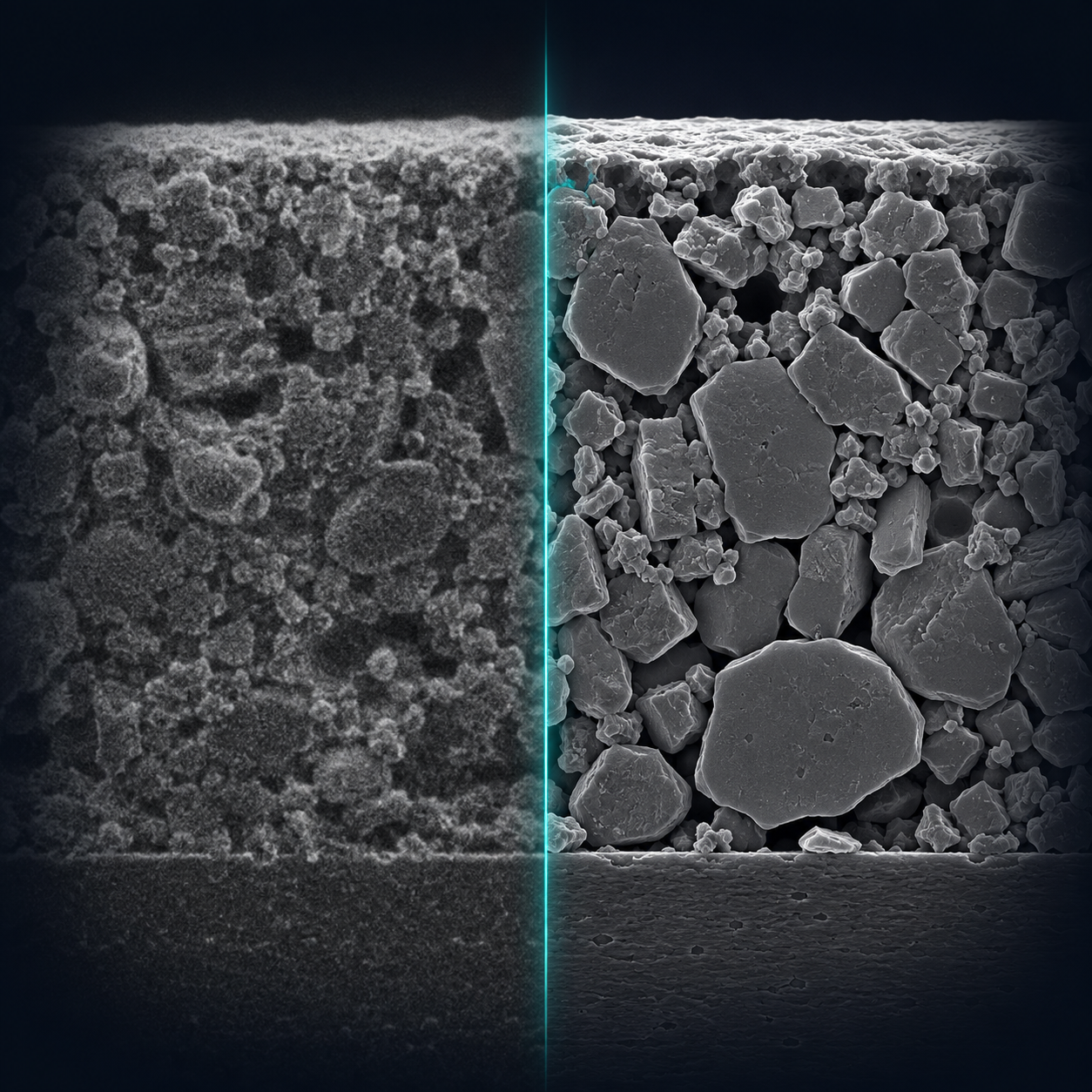
Illustration generated with AI; not experimental data.
Image Preprocessing
Preprocessing is the first and often most critical step in any image-analysis pipeline. Its goal is to enhance image quality, reduce noise and artifacts, and bring images into a consistent format before feeding them to downstream algorithms or machine-learning models.
Why Preprocess?
Raw microscopy images suffer from a range of degradations:
Non-uniform illumination: the background intensity varies across the field of view due to shadowing, beam profile, or detector inhomogeneity.
Noise: shot noise at low beam currents, detector read noise, and scan noise all reduce image quality.
Low contrast: compositionally similar phases may differ by only a few grey levels.
Scale inconsistency: images from different sessions may be acquired at different magnifications and with different intensity calibrations.
Effective preprocessing mitigates these issues and ensures that subsequent algorithms see consistent, well-conditioned data. Pick an operation below.
Normalization and Standardization
Min-max rescaling and z-score standardization.
Denoising
Gaussian, median, bilateral, and non-local means filtering.
Contrast Enhancement
Histogram equalization, CLAHE, and gamma correction.
Background Correction
Rolling-ball/top-hat transform and flat-field correction.
Edge Detection and Gradient Images
Sobel, Prewitt, Scharr, and Canny as preprocessing steps.
Binarization and Thresholding
Otsu's method and adaptive thresholding.
Morphological Post-Processing
Opening, closing, hole-filling, and small-object removal.
Preprocessing Notebook
The following Jupyter notebook demonstrates all of these operations on real electrochemical microscopy images using OpenCV, scikit-image, and NumPy:
See Preprocessing for a module-level explanation and juspice.preprocess_module for the full API reference.
The notebook uses load_data() to import the source image,
then applies operations directly through spice.preprocess.<method>()
(see PreprocessingAccessor). When a
processed image is written back to disk, save_data()
should be used so the output is accompanied by a metadata JSON sidecar and
a reproducible history script.
References
Libraries
OpenCV — optimised C++ computer-vision library used for resizing, filtering, morphological operations, and connected-component labelling
scikit-image — NumPy-based scientific image processing, including CLAHE and non-local means denoising
NumPy — array operations underlying all pixel-level computations
See Bibliography for the publications behind the methods on this page (including [8], [9], [10], and [11]).