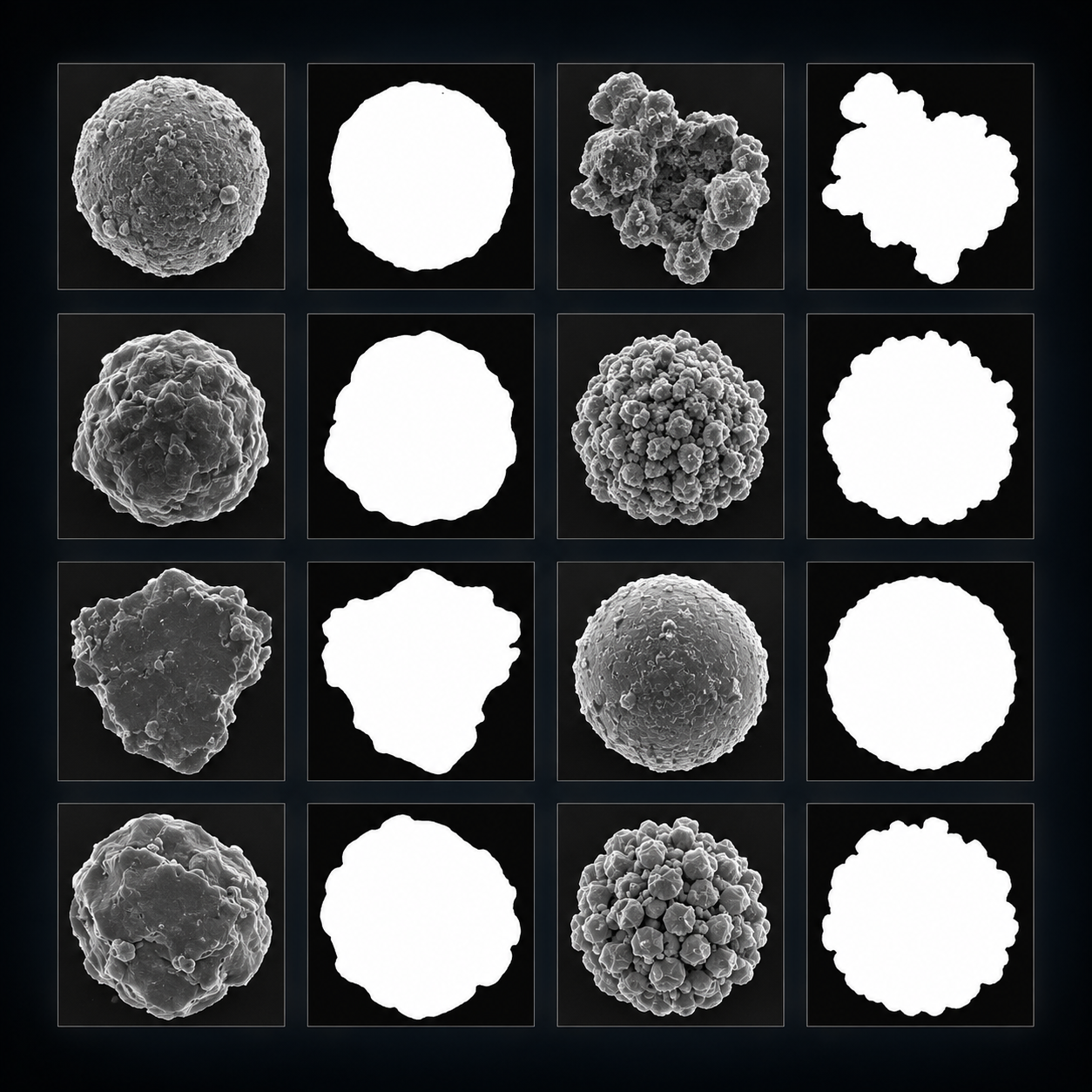
Illustration generated with AI; not experimental data.
Synthetic Data
juspice.synth_data_module creates extra, artificial training images
for electrochemical and microscopy datasets — useful when you don’t have
enough real, labeled images to train a machine-learning model. It offers
several generation methods, built from simple shapes and noise or from
deep-learning models.
Overview
JuSPICE covers two ways to generate synthetic images:
Rule-based generation (
PB,PB_NonGauss) — draws configurable particles, gradients, and noise so the result looks like a physically plausible microscopy image, without needing any training images.Deep-learning generation (
DCGAN,SDiff) — trains or runs a neural network on your real images to produce new, photorealistic ones.DCGAN(juspice.dcgan) trains a small generative adversarial network from scratch on your dataset;SDiff(juspice.stable_diff) reuses a pretrained Stable Diffusion model instead.
A fifth method, Aug (plain geometric augmentation: flips, rotation,
scaling, shearing), can be applied on its own or combined with any of the
methods above.
Every method that augments images this way (Aug, PB,
PB_NonGauss, SDiff, DCGAN) uses the external IOPaint tool afterward, to fill in the background a
rotation or resize exposes — see IOPaint Installation. If a
single rotation/scale/shear draw would expose too much background for
IOPaint to fill convincingly, it’s automatically toned down and retried;
tune how much is “too much” with the shared max_exposed_fraction
setting in notebooks/notebooks_parameters.yaml.
DCGAN also supports early stopping: set early_stopping_patience (and
optionally early_stopping_min_delta/early_stopping_monitor) in the
config to stop training once its loss curve stops improving, instead of
always running the full epochs. min_epoch_for_image sets a minimum
number of epochs that must finish first, so early stopping can’t cut
training short before the model has had a real chance to learn.
Native interface — generate()
spice.synth_generation is the main, recommended way to generate
synthetic data — it fits the same pattern as JuSPICE’s other accessors
(spice.preprocess, spice.features, spice.inpaint).
Unlike PreprocessingAccessor (which
changes spice.data in place), generation produces a whole new,
multi-image dataset from a YAML configuration file and a folder of
training images — it has nothing to do with whatever spice.data
currently holds. So generate() follows the same derived-object
pattern as spice.features.extract(): the spice you call it on is
left untouched and only supplies history context (for example, “generated
from this reference training image”). A new
SPICEData comes back instead, with
dataset_type='multiple_frames', sharing that history:
from juspice.io import load_data
from juspice.synth_data_module import ConfigLoader

config = ConfigLoader("notebooks/notebooks_parameters.yaml")

# Any SPICEData works as the entry point / history anchor — typically
# one representative training image.
spice = load_data("path/to/a/training/image.png")

synth_spice = spice.synth_generation.generate(
    config=config,
    input_dataset="EBC1",
    method_name="PB",
    repo_root=repo_root,
    N_images=5,
    device="cpu",
)

synth_spice.dataset_type            # "multiple_frames"
synth_spice.n_frames                # number of generated images
synth_spice.frames                  # stacked generated images, shape (n_frames, ...)
synth_spice.metadata["masks_dir"]   # path to the corresponding generated masks
generate() sets up the output/input folders and runs generation in one
call. spice.synth_generation.prepare_dataset(...) is also available for
more advanced use, e.g. checking the resolved output paths before you
actually generate anything.
ConfigLoaderLoads and checks generation settings from a YAML configuration file (
notebooks/notebooks_parameters.yaml). Seeload_config().
Reproducibility
Calling generate()
inside a Tracker recording block is saved
word-for-word in the session’s _history.py. The returned SPICEData
shares the input spice’s DatasetHistory,
with one new synth_generation.generate entry recording which method and
N_images you used. See it via synth_spice.history.to_lines() or in
the <stem>.json sidecar that save_data() writes:
synth_spice.history.to_lines()
# ["spice = load_data('/path/to/training/image.png')",
#  "# Synthetic data: spice.synth_generation.generate(...) with method='PB', N_images=5"]
(The full config/repo_root/device arguments can’t be written as
JSON, so this line describes what happened rather than being a literal,
re-runnable call — the same treatment
to_lines() gives any operation whose
arguments can’t be faithfully reconstructed.)
See also
juspice.synth_data_module — full API reference
Synthetic Data Generation — domain background