JSC Account linking to external identities
If you do not have a JSC Account yet you can register one here. It is highly recommended, that you use the JSC login service to register your account, so it can be connected to an external identity. If you want to use the EuroHPC Federation Platform you need to register your new JSC Account using MyAccessID.
However, if you already have a JSC Account that was created by registering with just an email address and want to connect it to an external identity like HelmholtzID or MyAccessID (which is a requirement to use the EuroHPC Federation Platform) you need to link your existing JSC Account to that external identity. This also allows you to login to your JSC account using your home-organization credentials.
To link your JSC Account to an external identity:
Go to the JSC login service and log in by selecting “Sign in with JSC Account”.
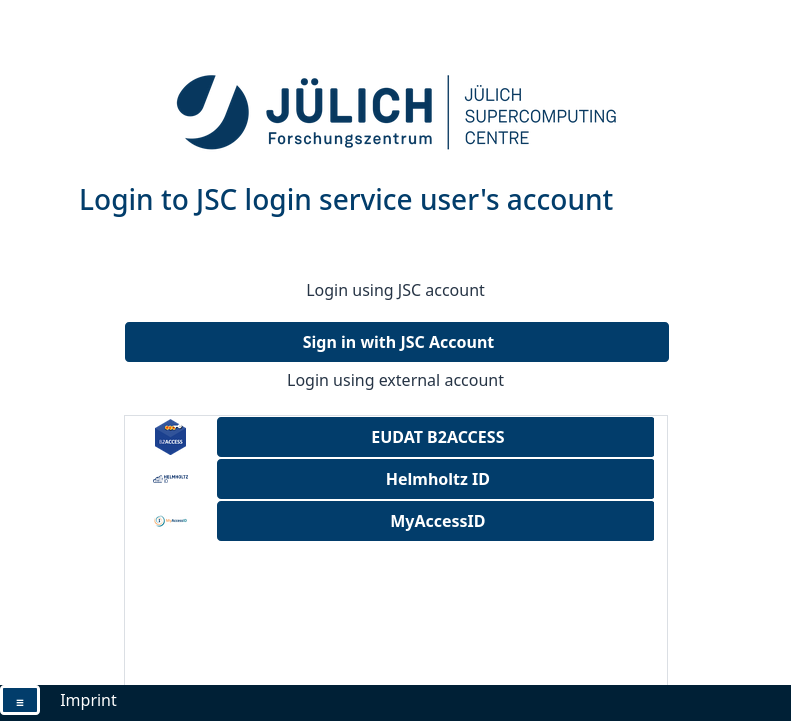
Proceed by logging into your JSC Account. You will then be redirected back to the JSC login service.
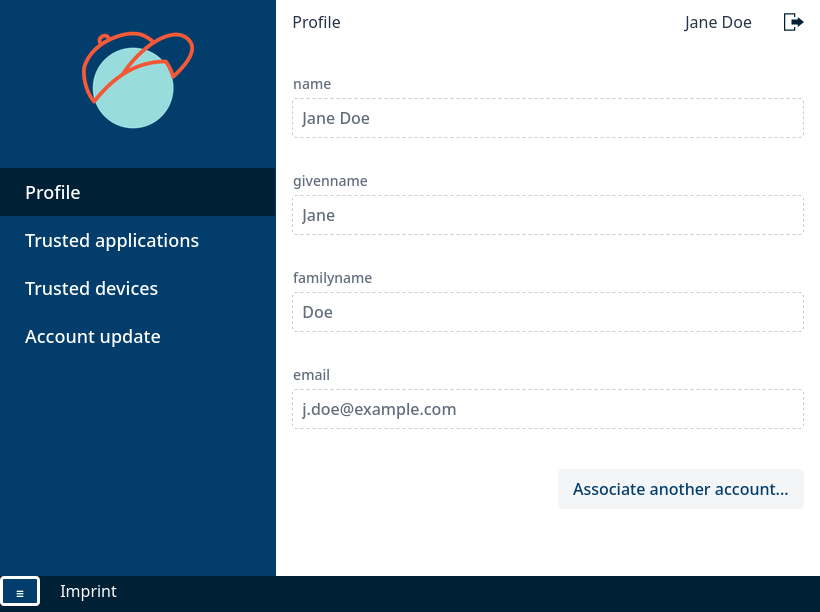
In the JSC login service click on “Associate another account …” in lower right corner. This will open the association wizard.
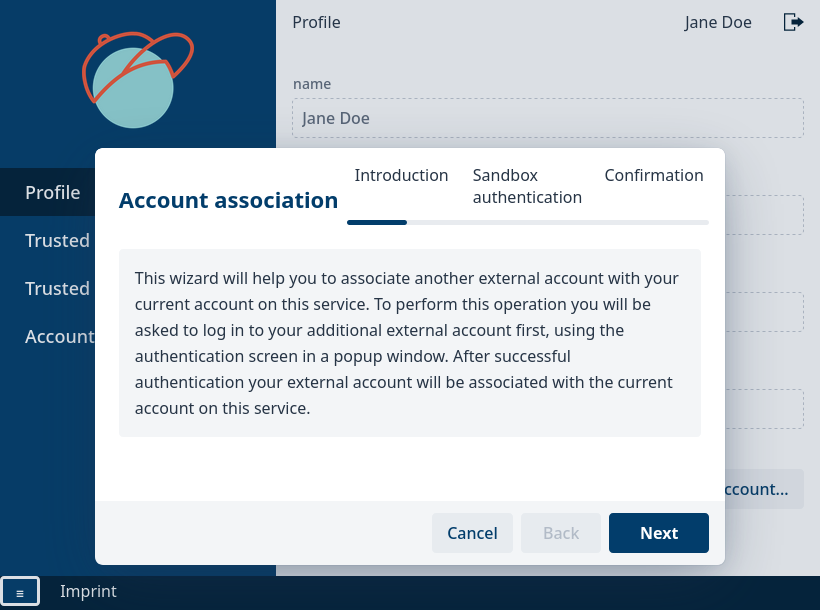
Click on “Next”. This should open a popup window. If that does not happen click on the “Open sandbox window” button, which will open a new browser window. (If you use Safari you need to explicitly allow the popup using the icon in the address bar)
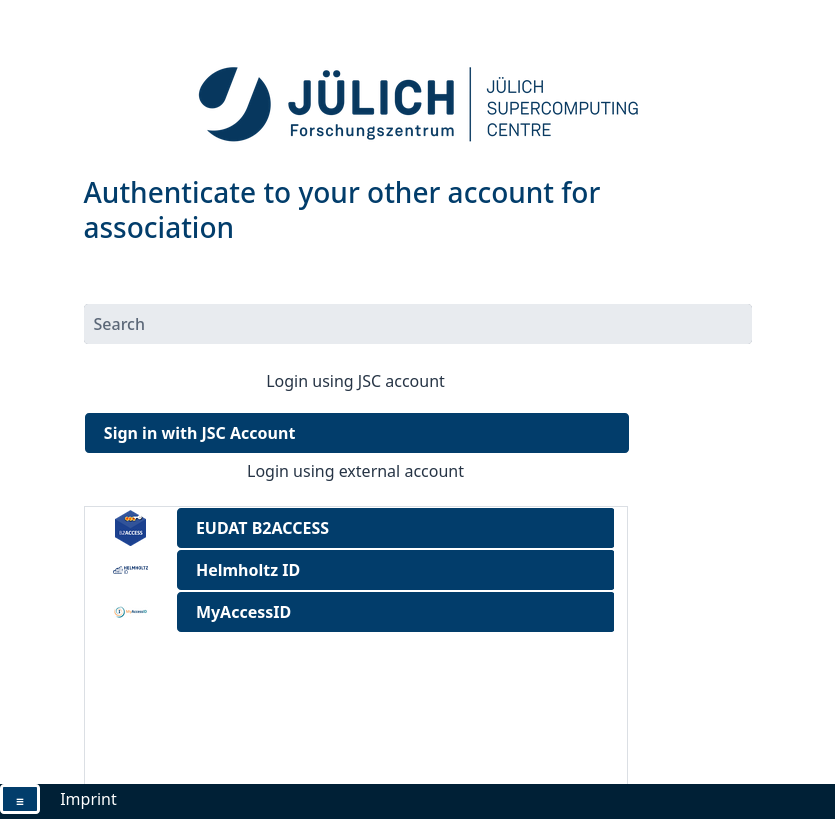
The Association window allows you to select the external identity provider that you want to link to your account. Select one from the list, e.g. MyAccessID if you want to use the EuroHPC Federation Platform with your account.
Proceed by authenticating with your selected external identity provider. The window will close automatically when this is completed.
Click on “Finish” in the association wizard.
Your JSC Account is now linked to an external identity. It might take up to an hour for changes to propagate and come into effect.
Troubleshooting
Authenticated to an already existing account
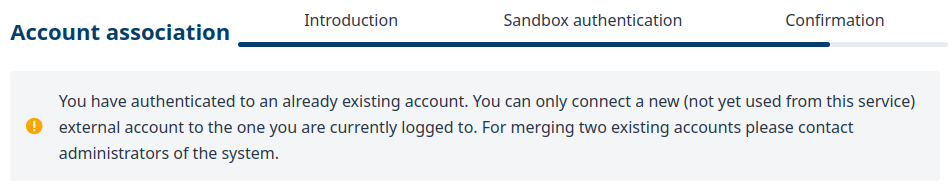
If you get this error during linking of your account (authenticated to an already existing account), contact the administrators via ds-support@fz-juelich.de.